 書房
書房iPhone · iPad
A novel & comic reader where you choose the sources
Novels, comics and web feeds on one shelf. 書房 ships with no sites built in — it understands whatever page you paste, and nothing else.
Paste the URL of a book page and it works the site out, turns the book into one on your shelf, and downloads it for offline reading. Your own TXT and EPUB files go on the same shelf.

Paste one link and it works the site out
Paste the URL of a book page into your Library. If the site has no source yet, 書房 opens that page, derives the book / contents / chapter URL patterns, creates the source and adds the book — or tells you why it could not. To look before you save, preview the title, the chapter count and the opening of chapter one from Sources first. Every other book on that site is then one paste away, and feeds are added the same way.
https://example.com/book/42
- Title
- 星河渡口
- Contents
- 128 chapters
- Chapter 1
- 夜渡 text found
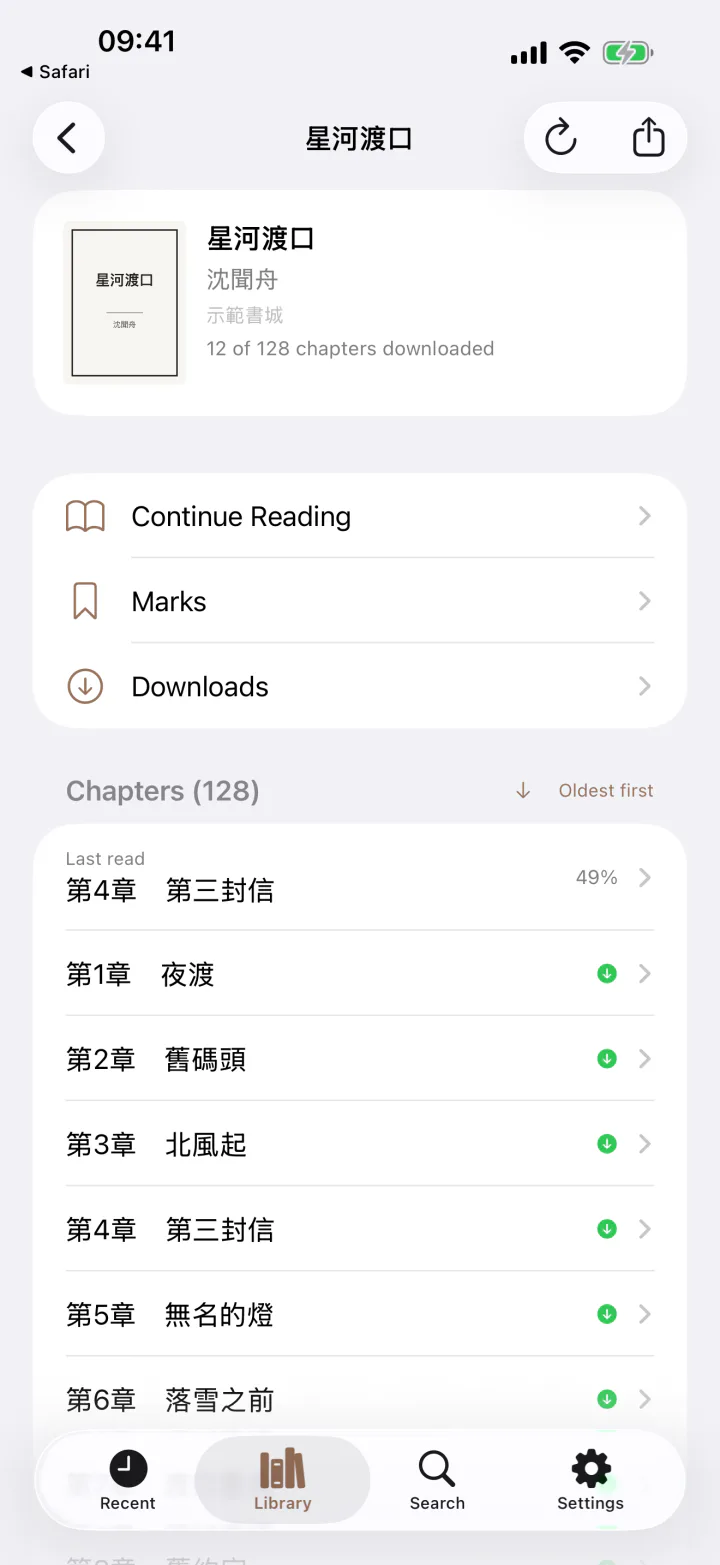
Download whole books, read offline
Take the whole novel, or tick just the arc you are reading; comics store their images episode by episode. Read in flight mode, in the basement, in dead zones.
Deleting has four levels — one chapter, one book, one source, everything — so freeing space never means starting over.
Built for long reading sessions
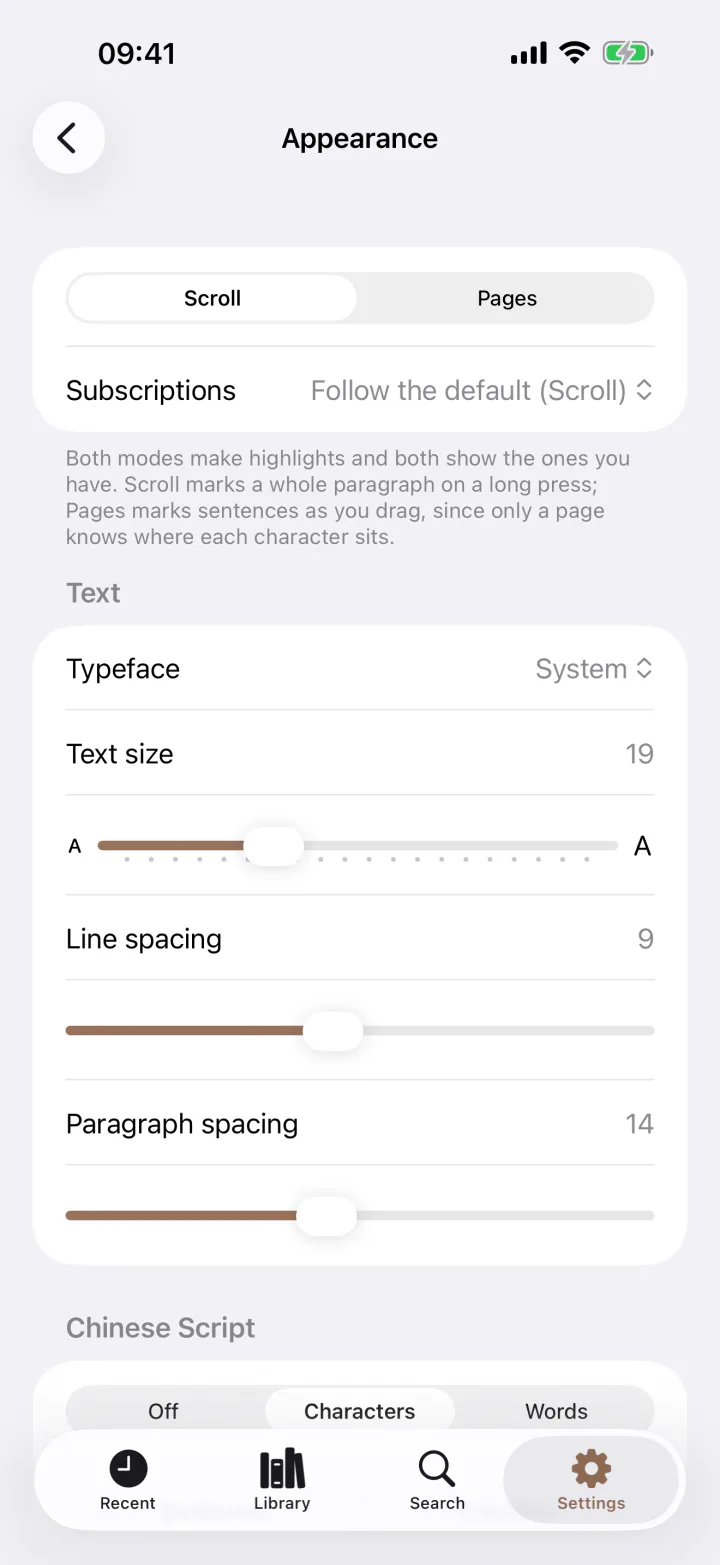
Scrolling or paged, and you can highlight in either. Any Chinese typeface on the device; text size, line spacing and paragraph spacing set independently; a background of your own — a colour, a gradient, or a photograph.
A book from a simplified source reads in traditional, and the other way round. Your position is remembered down to the paragraph, not just the chapter.
When your eyes are tired, a system voice of your choosing reads to you, with the screen locked if you like. Remember a sentence but not the chapter? Search › My Books finds the passage, and a book's highlights and bookmarks export as Markdown.
Comics take the same road
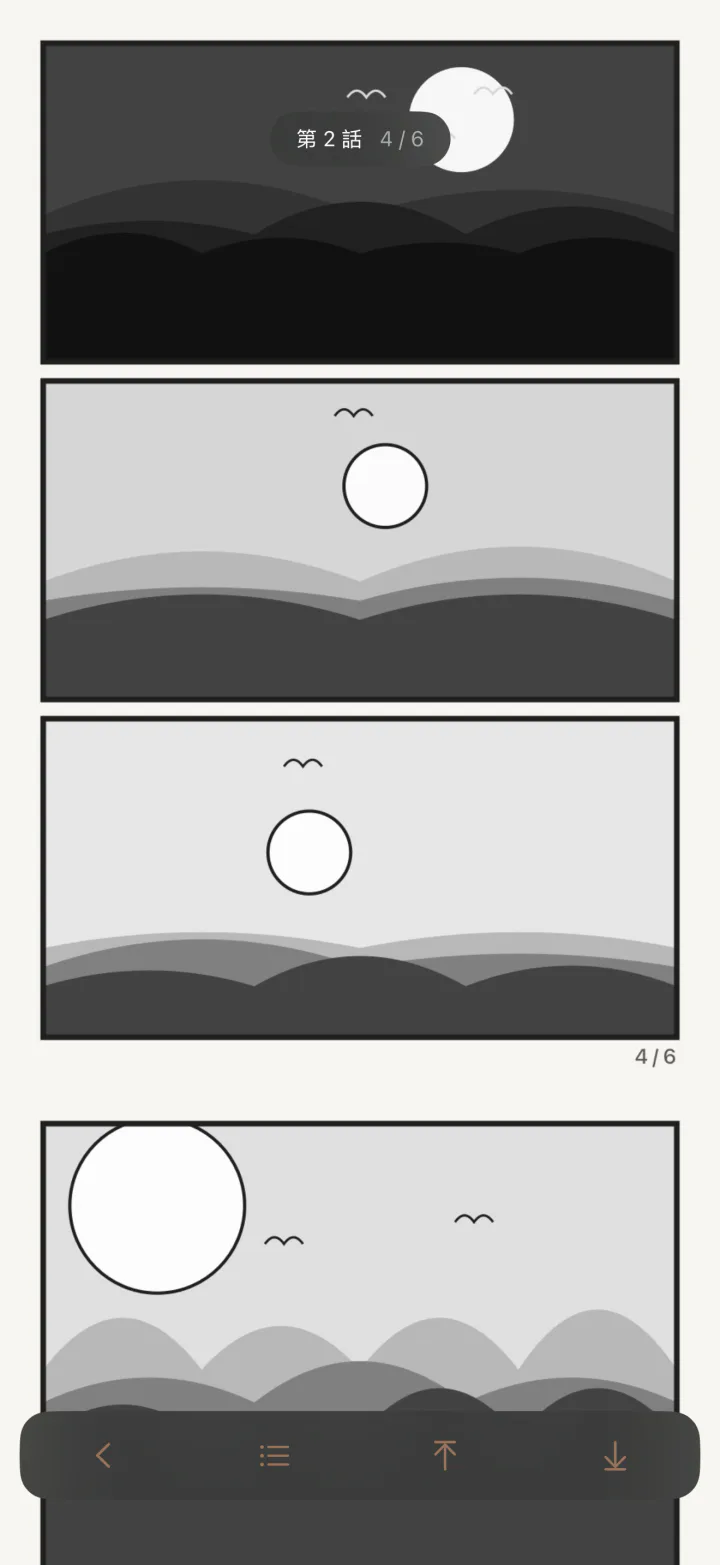
Paste a URL, let the app build the source, download an episode at a time — comics use the very same flow, on a second shelf. Vertical continuous scrolling, with the episode title and page number always in reach.
A whole comic can be exported to ZIP and imported back.
Feeds, and files of your own
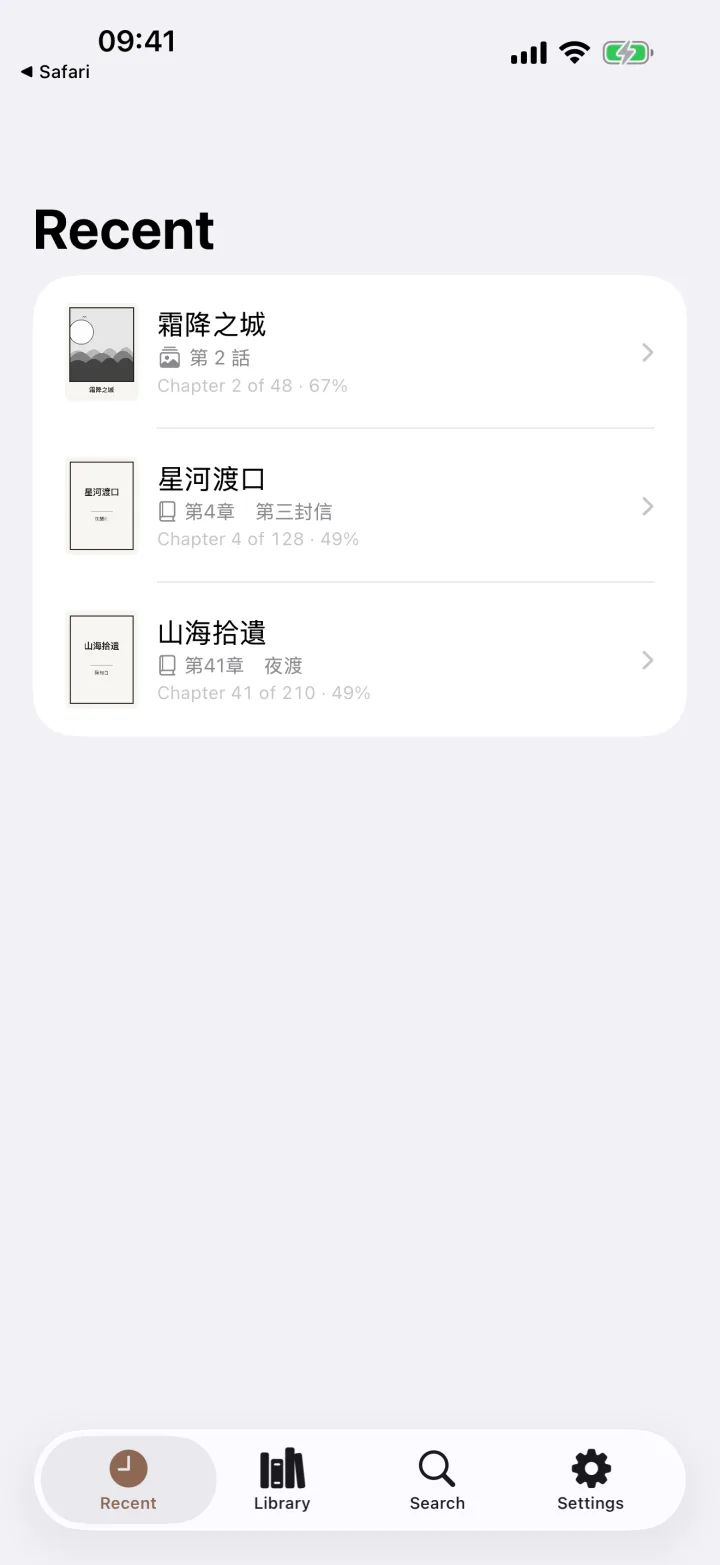
RSS, Atom and JSON Feed, with OPML import for a whole list. Articles are downloaded for offline reading and sit in the same recent list as novels and comics.
TXT files are decoded automatically (UTF-8, Big5, GB18030) and split into chapters by their headings; EPUB opens as is. A finished book can be exported as TXT or EPUB.
No ads, and nothing collected
No account, no sign-up, no analytics, no ads, no third-party SDK. Sources, shelves and reading progress sync through your own iCloud; chapter text stays on the device. The developer runs no server, so there is nowhere to see what you read.
Frequently asked questions
Does 書房 come with novel or comic sites built in?
No. 書房 does not ship with, recommend, or link to any content site; on first launch both the library and the source list are empty. It understands a site only once you paste one of its pages — the same way a browser does.
How do I add a source?
The quickest way is to tap + in your Library and paste the URL of a book page. If the site has no source yet, 書房 opens that page, derives the book, contents and chapter URL patterns, creates the source and adds the book; if it cannot, it tells you why. To look before you save, go to Settings → Sources → + → Create from a URL, paste the URL and tap Analyse: the title, the chapter count and the opening of chapter one are shown to you before the source is saved. A rule file someone else shared can be added with Import from URL or Import file.
Which file formats are supported?
Novels: TXT (encoding detected automatically — UTF-8, Big5, GB18030 — and split into chapters by their headings) and EPUB import, with export to TXT or EPUB. Comics: ZIP import and export, laid out as title / chapter / pages. Feeds: RSS, Atom and JSON Feed, with OPML import for a whole list.
Do I need an account? Does it cost anything?
No account, and nothing to pay: there are no in-app purchases. 書房 is free, with no ads, no analytics and no third-party SDK.
Does my reading position sync between iPhone and iPad?
Yes. Your sources, the books and feeds on your shelves, custom titles and reading progress sync through your own iCloud account, which the developer cannot reach. Chapter text, the list of downloads, and your bookmarks and highlights stay on each device and are never uploaded.
What happens when a site shows a human-verification challenge?
書房 pauses the download and hands the page to you to complete the check yourself, then carries on. It never attempts to bypass any such mechanism.
Which devices and languages are supported?
iPhone and iPad on iOS 17 or later. The interface is available in Traditional Chinese, Simplified Chinese and English.
書房 does not provide, host, or index any content. Everything comes from URLs you enter yourself, the same way a browser does. Please make sure the sites you visit comply with your local laws and with those sites' own terms of use.